Storage full? Breathe.
See where your space goes. The Storage tab splits your iPhone by file type and album, and Home shows how much each cleanup can free before you start.
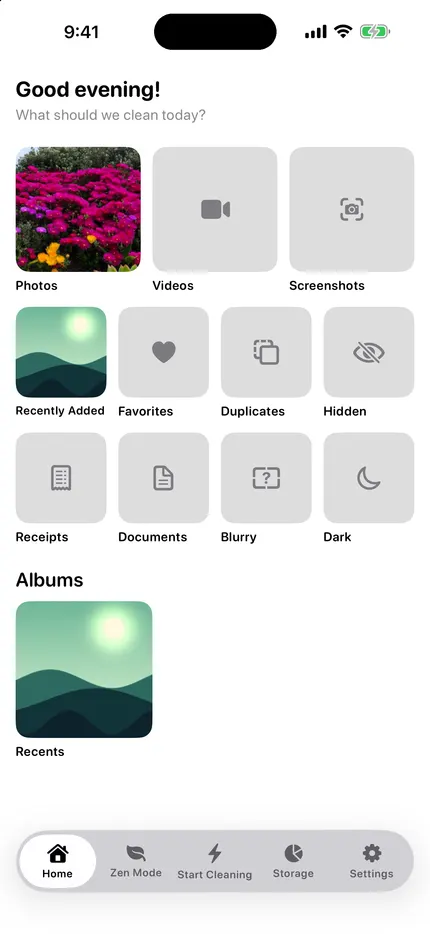
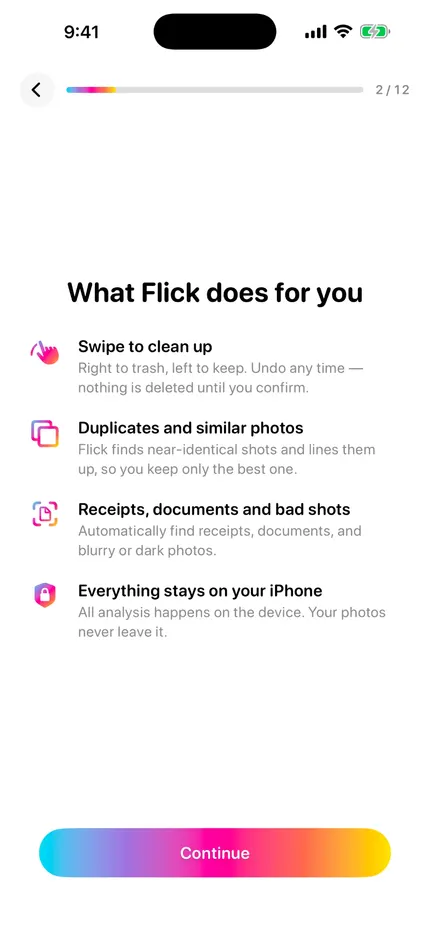
Swipe to clean, plus finders that surface the clutter for you. Every one of them runs on your iPhone.
See where your space goes. The Storage tab splits your iPhone by file type and album, and Home shows how much each cleanup can free before you start.
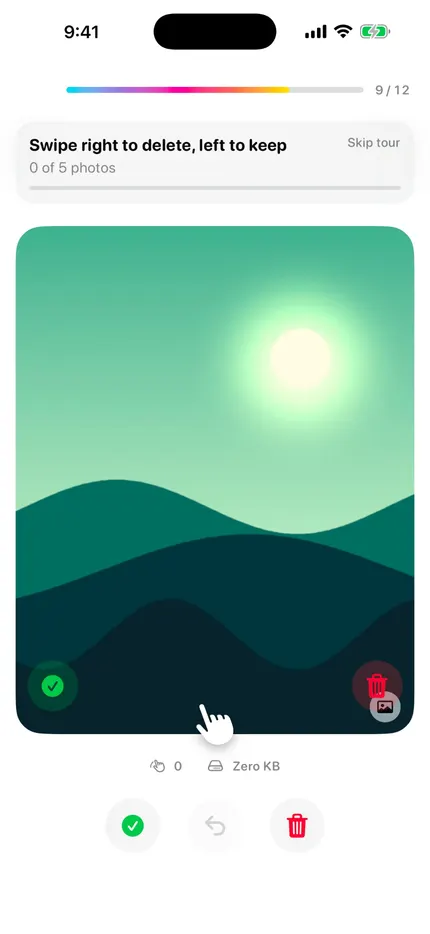
The same in every language, never mirrored. Swipe up to share, down to hide in the iOS Hidden album, double-tap to favorite. Buttons do the same if you prefer tapping.
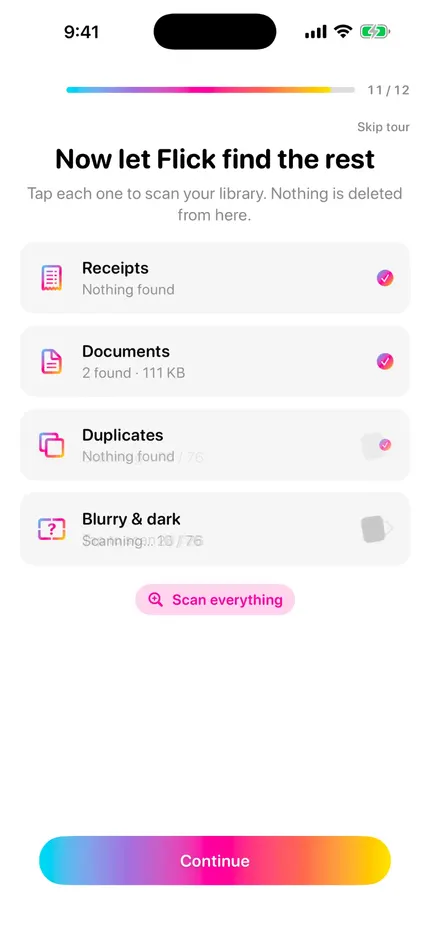
On-device Vision groups near-identical shots and bursts. Versus Mode puts them next to each other so you keep the best one.
Every screenshot in one place. Flick flags the ones with text, like codes and receipts, and can save them as PDF or text before you clear them.
Every video sorted by size, largest first. Preview, then delete, keep, or compress. Compress saves a smaller copy before the original goes to review.
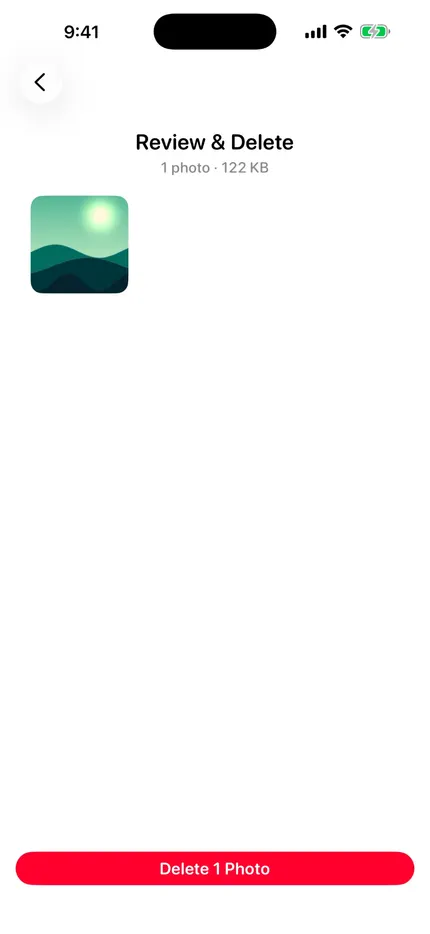
Multi-step Undo walks back your last decisions. Everything you trashed waits on one review screen, and deleted photos stay in Recently Deleted for 30 days.
Blurry and too-dark photos, receipts, documents, RAW + JPEG pairs, Live Photos to stills, and folders from the Files app.
No ads. Nothing uploaded to the cloud. No Flick account. Analysis runs with iOS system frameworks on your iPhone.
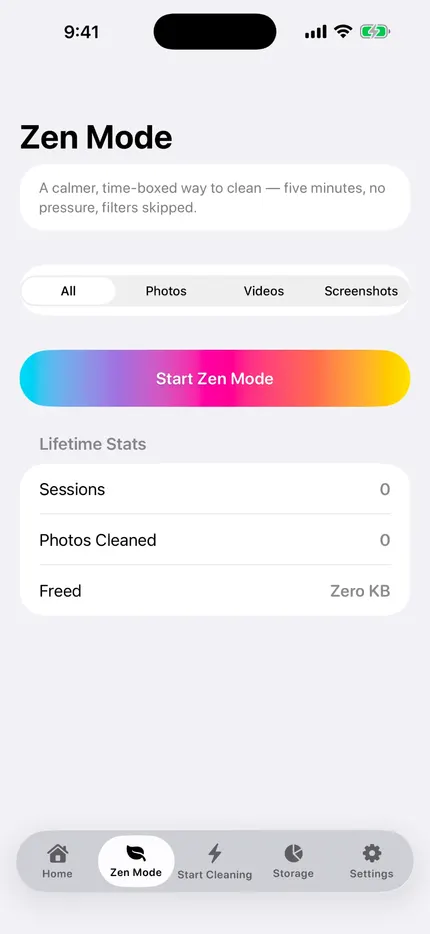
A calm five-minute session with a leaf countdown, then a review prompt.
Shake the phone and land on a random month from your past.
Keep, delete and undo by voice, with on-device speech recognition.
Free space and your streak on the Home Screen, plus a widget that surfaces your blurriest recent photo.
Co-op cleaning with SharePlay in a FaceTime call.
English, Hebrew, Spanish, French, German, Portuguese (Brazil), Russian and Arabic, with full RTL.
Search for “Flick: Photo & Storage Cleaner” on the App Store.